The short answer
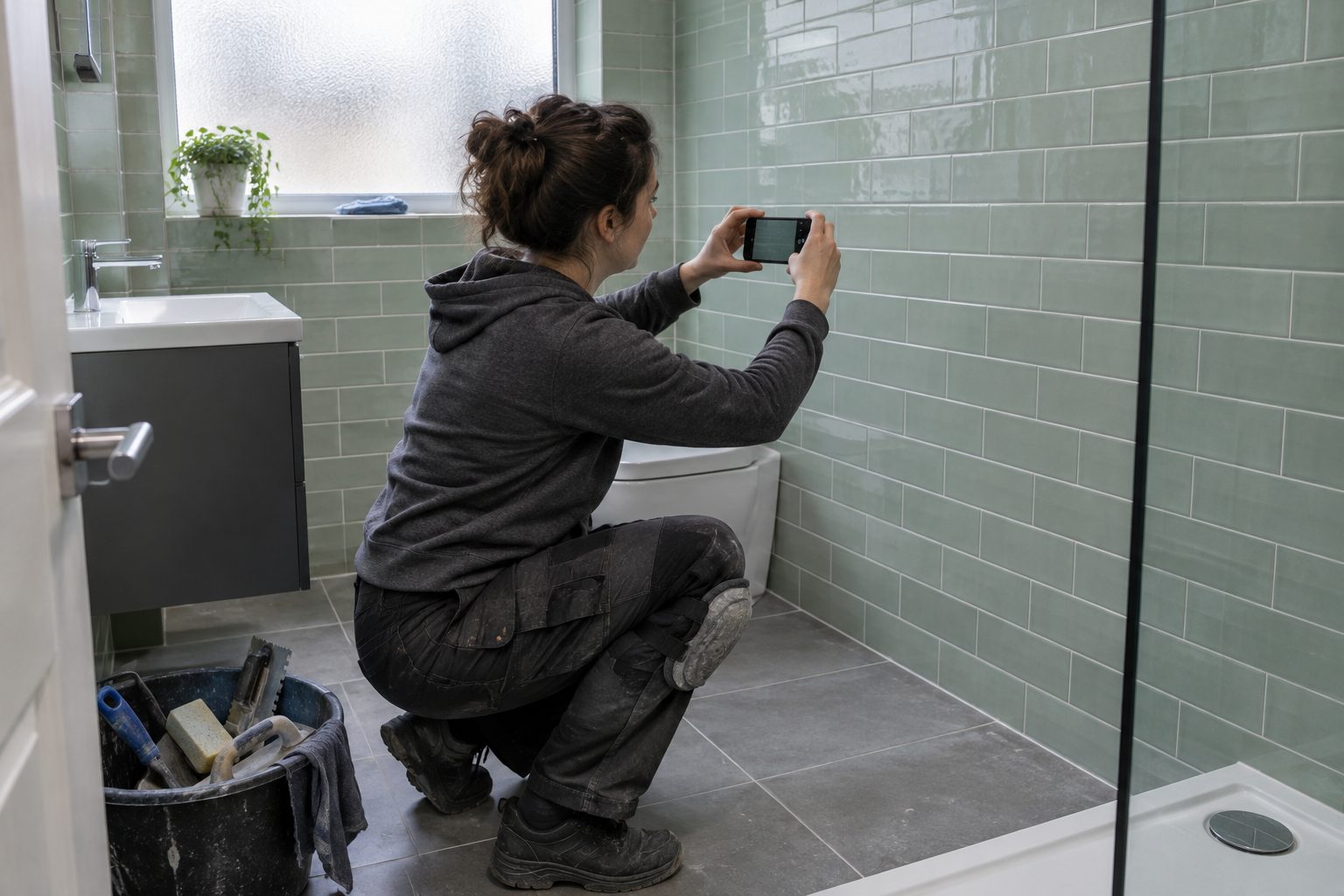
Six photos cover most business films. The finished job, a wide shot of your place, a close-up detail, you or your team, your van or sign, and a before-and-after pair. Take them in daylight, hold the phone straight, shoot each one in landscape and in portrait, and clear the clutter out of the frame first. Ask before you photograph a customer’s home or anyone’s face, and send the original files, not squashed copies.
You probably have the photos for a good film already, somewhere in your camera roll. The trouble is usually that they were taken in a hurry, on the wrong angle, with a wheelie bin in shot. A few habits fix most of that, and the same photos will improve your website and your Google Business Profile too.
The six shots
1. The finished job
The proof. A kitchen, a fence line, a rewired board, a garden, a wedding dress on its hanger. Take it when the job is done and the mess has gone, from where the customer would stand to admire it.
2. The wide shot of your place
Your shop front, your yard entrance, your workshop, the view from your holiday let. Something that tells a viewer where you are and what it looks like when they arrive. Step back further than feels natural.
3. A close-up detail
The thing a craftsperson notices. Neat mitred joints, a tidy cable run, the stitching on a seam, the grain in a slab of stone. One sharp close-up says “we care about this” better than any sentence.
4. You or your team
A photo of you at work, not posed with arms folded, makes it easier for someone to pick up the phone. Ask your team before you use their photo.
5. Your van, sign or uniform
Your brand in the real world. A clean van parked somewhere tidy, your sign over the door, a branded polo shirt at work. It ties the film to the business people will actually see on their street.
6. Before and after
The same view, before and after. Stand in the same spot, hold the phone at the same height, and frame both the same way. It’s the most persuasive pair of photos a trade can have, and the easiest to get wrong by moving two steps to the left.
Light
- Daylight wins. Shoot with the light behind you or to the side, not behind your subject.
- Avoid harsh midday sun outside, which gives hard shadows. Morning, late afternoon or a bright overcast day is kinder.
- Indoors, turn the lights on and open the curtains. Then switch off the flash.
- Keep it real. Google’s guidelines for Business Profile photos ask for images that are in focus, well lit and without significant alterations or heavy filters, so the image represents reality. That’s a good standard for a film too.
Framing
- Hold the phone straight. Line up a door frame, a worktop or the horizon with the edge of the screen. Turn on your camera’s grid lines if it has them.
- Leave space around the subject. Don’t fill the frame edge to edge. A film needs room to crop and move.
- Take both shapes. One in landscape, one in portrait, of every shot. A landscape photo is right for a website; a portrait one fills a phone screen. Cropping one into the other loses a lot of the picture.
- Take three of each. One will be sharper than the others.
Tidy the frame
Before you press the button, look at the edges of the screen, not just the middle.
- bins, ladders, cables, dust sheets;
- tools left on the worktop;
- other people’s cars and number plates;
- house numbers and street signs outside a customer’s home;
- family photos, post and anything personal inside it.
Thirty seconds of tidying beats an hour of editing.
Permission
Photos of people, and of homes that can be identified, need care.
- Customers’ homes: ask before you take photos, and again before you use them. Some will say no, and that’s their call.
- Faces: if someone can be recognised, the photo is their personal data. The ICO’s guidance for small businesses says using photographs of customers or staff in a marketing campaign needs its own lawful basis, which in practice usually means asking and keeping a record of the answer.
- Your team: the same applies to staff. Ask, and let them say no.
Sending them
Photos lose quality every time something compresses them. Send:
- the original files, straight from the phone;
- by email, attached as files, or through a shared folder such as Google Drive, OneDrive or Dropbox;
- not as screenshots, and not through social media messages.
If WhatsApp is the only option, use its HD setting. WhatsApp lets you choose between Standard quality and HD quality when you send a photo, and you can set HD as the default in its settings.
Name the files if you can (“before-kitchen.jpg”, “after-kitchen.jpg”) so whoever receives them knows which is which.
A checklist to save
- Finished job
- Wide shot of the place
- Close-up detail
- You or your team (with their agreement)
- Van, sign or uniform
- Before and after, from the same spot
- Each one in landscape and portrait
- Clutter, plates and house numbers out of shot
- Sent as originals
If you’d rather not make the film yourself, three to six photos like these are all a VideoWorks film needs; how it works lists what to send.