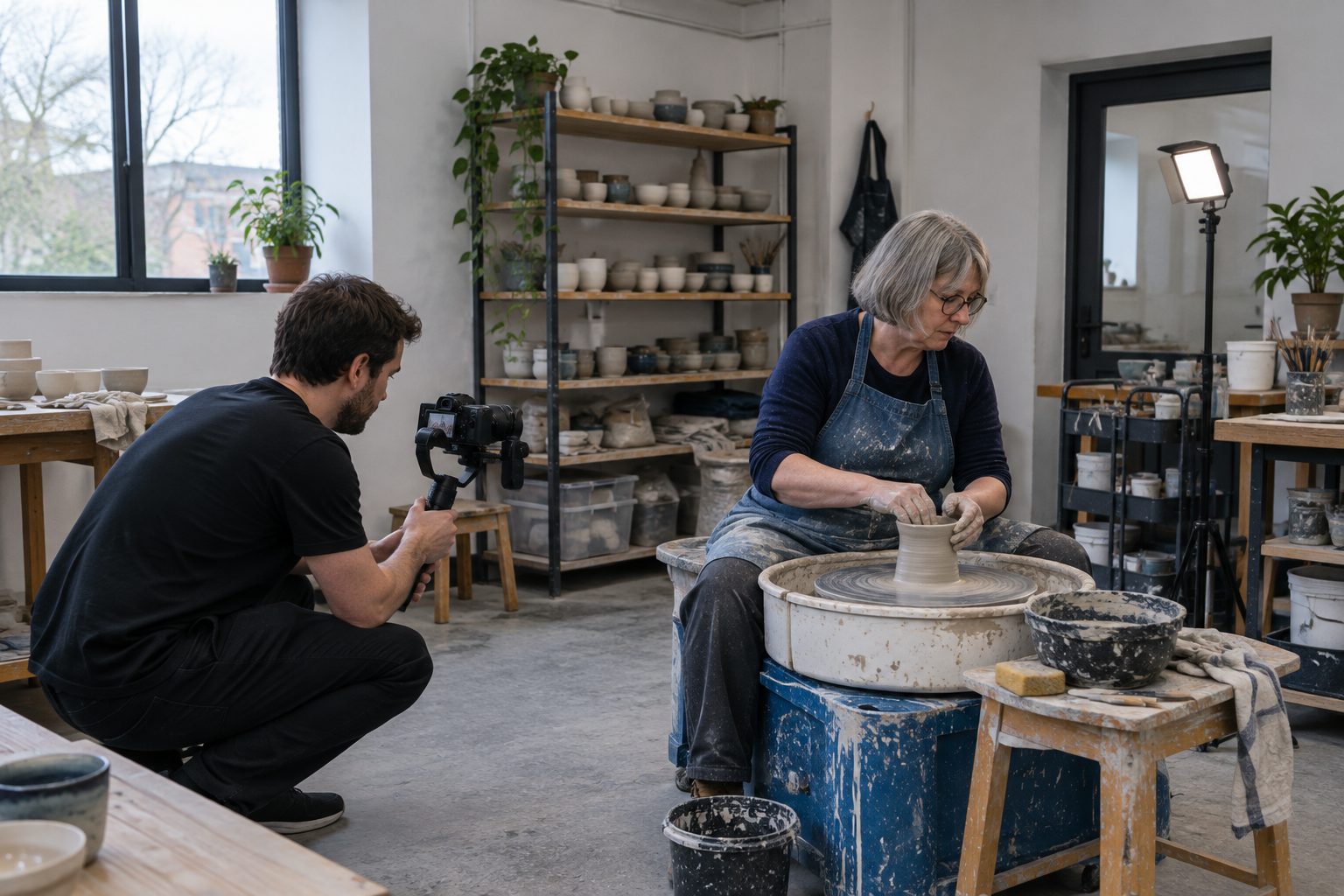
The short answer
A good short business film says one thing, shows it rather than claims it, and ends with your name and exactly how to reach you. Open on the work, not a logo. Use real jobs, real places and, with permission, a real customer’s words. Keep the sentences short enough to say on the phone, put captions on, and make sure it works in both landscape and portrait.
Thirty seconds sounds tiny. It’s plenty, as long as you only try to say one thing. Most weak business films aren’t weak because they’re short. They’re weak because they try to list everything the business does, and the viewer remembers none of it.
This is a checklist you can use whether you’re making the film yourself on a phone, briefing a freelancer, or reviewing a script someone has written for you.
1. Pick the one thing
Before anything else, finish this sentence: “If someone remembers one thing from this film, it should be…”
Good answers are specific:
- “We cover the whole of West Lancashire, and we’ll be there the same week.”
- “Every job is signed off by the owner, not a subcontractor.”
- “We’ll give you a fixed price in writing before we start.”
Weak answers are lists (“quality, reliability, value, friendly service”) or adjectives nobody can check (“the best in the area”).
Choosing is hard because everything feels important. But the film isn’t your whole website. It’s one strong reason to look further. If you’ve got three messages, you’ve got three films.
2. Open on the work
On a phone, people can scroll past at any moment, so make the first thing on screen worth stopping for. Don’t spend it on a logo animation or “Welcome to Smith & Sons”.
Open on something that’s worth looking at and belongs to you:
- the finished job, before the explanation;
- the place, if it’s what people come for;
- the problem you fix, shown rather than described.
Your name can come later. Someone who watches to the end will want it; someone who scrolled past in the first second never saw it anyway.
3. Show proof, not claims
“High-quality workmanship” is a claim. A slow shot along a fence line where every post is plumb is proof.
Proof in a short film usually looks like:
- Real jobs. Your own photos or footage of work you’ve done. Not stock images, and not someone else’s work.
- Real places. Your premises, your van, your yard, the area you cover.
- Real people. You, your team, at work, with their agreement.
- A real customer’s words. One short line from a genuine review, quoted exactly.
That last one comes with rules. Reviews belong to the people who wrote them, and Google’s own guidance says you need the reviewer’s consent to use their review in your marketing. The advertising code (CAP Code rules 3.47 and 3.50) expects you to hold evidence that a testimonial is genuine and to have permission to use it. Ask first, keep the reply, and quote it word for word.
4. Words you’d say on the phone
If there’s a voiceover, write it the way you talk to a customer, not the way a brochure reads.
- Short sentences. One idea each.
- No jargon unless your customers use it too.
- Numbers said the way you’d say them aloud: “thirty years”, not “30+ yrs”.
- Don’t describe what’s already on screen. If the viewer can see a new kitchen, the words can say who it was for, or how long it took.
Read it aloud before you record anything. If you stumble, a listener will too.
5. Captions on
Captions let people follow the film when they can’t or don’t want to play sound: on a train, in an office, late at night. They’re also an accessibility requirement. WCAG 2.2, the standard most websites are measured against, asks for captions on all prerecorded video with sound (Success Criterion 1.2.2, Level A).
For social media, captions burned into the picture are safest. For your website and YouTube, upload a separate caption file so viewers can turn them on or off.
6. End with a clear next step
The last few seconds should leave nobody wondering what to do next. Give them:
- your business name, exactly as it appears on your signs and your Google profile;
- one way to get in touch: a phone number or a web address, not five;
- where you work: the town or area you cover.
Check every character. A wrong digit in a phone number on a film that’s been shared fifty times is an expensive mistake. That’s why any decent brief asks for your exact contact details in writing.
7. Make it work everywhere
A business film rarely lives in one place. It goes on your website, your Google profile, and your phone-first social channels. That brings two practical points.
Both shapes. Landscape for your website and YouTube, portrait for phones. If text or faces sit near the edges of a landscape film, cropping it to portrait later will cut them off. Plan both from the start.
Two lengths, if needed. Google’s Business Profile accepts videos of up to 30 seconds. If your main film is 60 seconds, plan a 30-second cut that still says the one thing.
A 30-second shape you can borrow
| Seconds | What happens |
|---|---|
| 0–5 | Open on the work or the place. No logo. |
| 5–15 | Proof: two or three real shots of jobs, place or people. |
| 15–23 | The one message, said plainly. A short customer line if you have permission. |
| 23–30 | Name, one contact route, the area you cover. |
Before you sign it off
- Can you say the one message in a sentence?
- Does it open on something worth watching?
- Is every image yours, and every person happy to be in it?
- Is any review quoted exactly, with the reviewer’s permission?
- Are the name, number and area exactly right?
- Does it work with the sound off, and in both shapes?
If you’d rather not make it yourself, this is the brief behind every VideoWorks film. How it works shows what we ask for, and you approve the script and storyboard before anything is made.