The short answer
Upload short, real, well-lit clips of your work, your premises and your team, through your Business Profile. Google’s help page currently allows videos of up to 30 seconds, up to 75 MB, at 720p or higher. Film the actual place and the actual work, keep added text to a minimum, check the video has gone live a day or two later, and add something new each season.
Most local businesses have a Business Profile with a logo, a few photos and some reviews. Far fewer have a video on it. That’s a missed chance. Your photos and videos show on Google Search and Maps once your profile is verified, and it costs nothing to add them.
Google’s limits, as of today
Google’s Business Profile Help page “Manage your Business Profile photos and videos” lists these video requirements (checked 11 October 2026):
| Requirement | Limit |
|---|---|
| Duration | Up to 30 seconds |
| File size | Up to 75 MB |
| Resolution | 720p or higher |
Google changes these from time to time, so check the page on the day you upload.
The 30-second limit is the one that matters. If you’ve had a 60-second film made, you’ll need a 30-second cut for your profile. That’s not a bad thing: thirty seconds forces you to show the one thing customers most want to see.
What to show
Google’s guidance on posting media to Maps applies to Business Profile photos and videos too. Its advice comes down to three things:
- Media you captured yourself. It asks you to avoid screenshots, stock photos, GIFs, collages, heavily edited images, and imagery created by other parties.
- Taken at the place. The location should be the main subject, filmed at the location you’re posting about.
- Real and steady. Minimal adjustments are fine. Google warns against shaky, out-of-focus or distorted video, and against heavy filters.
In practice, for most local businesses, that means:
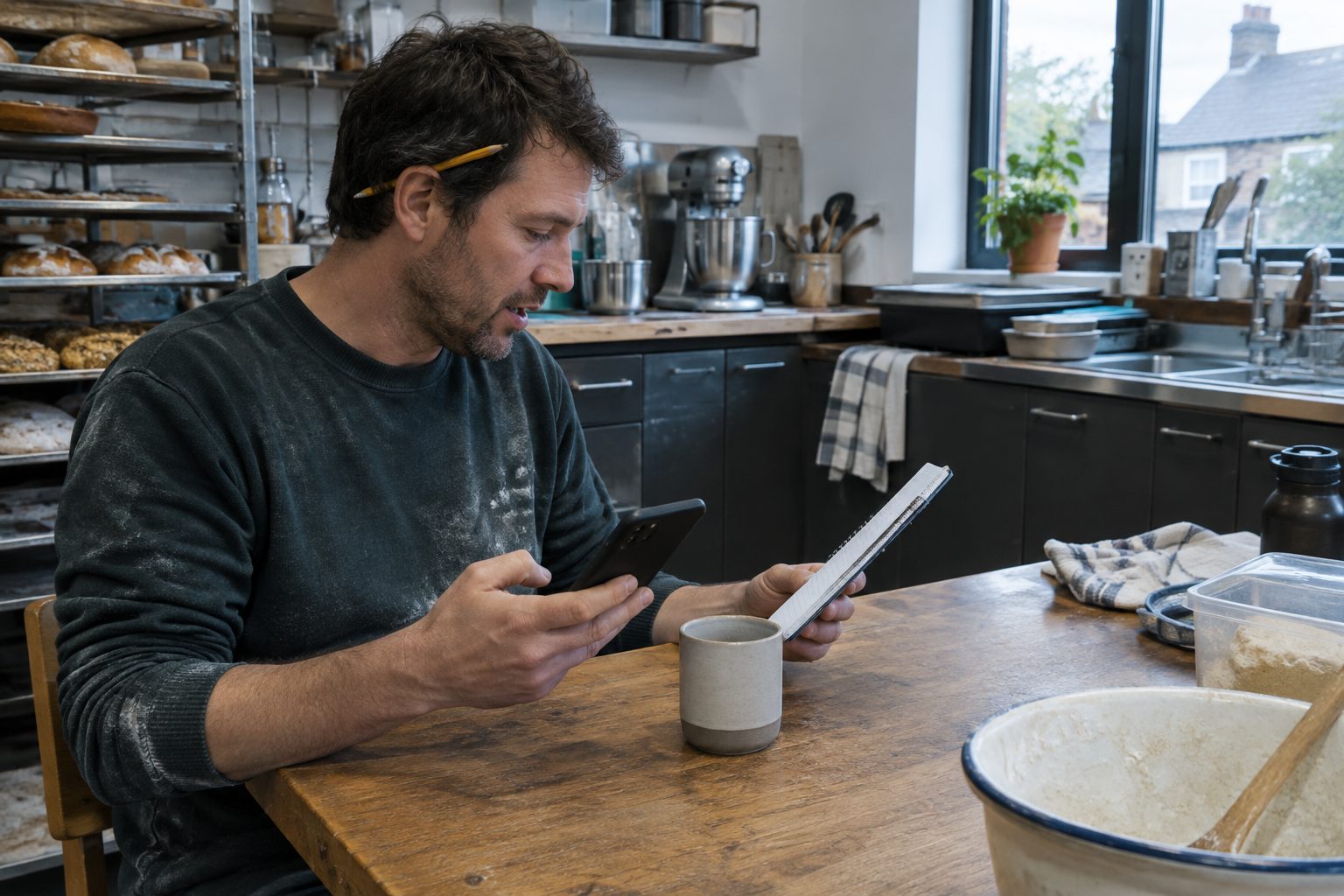
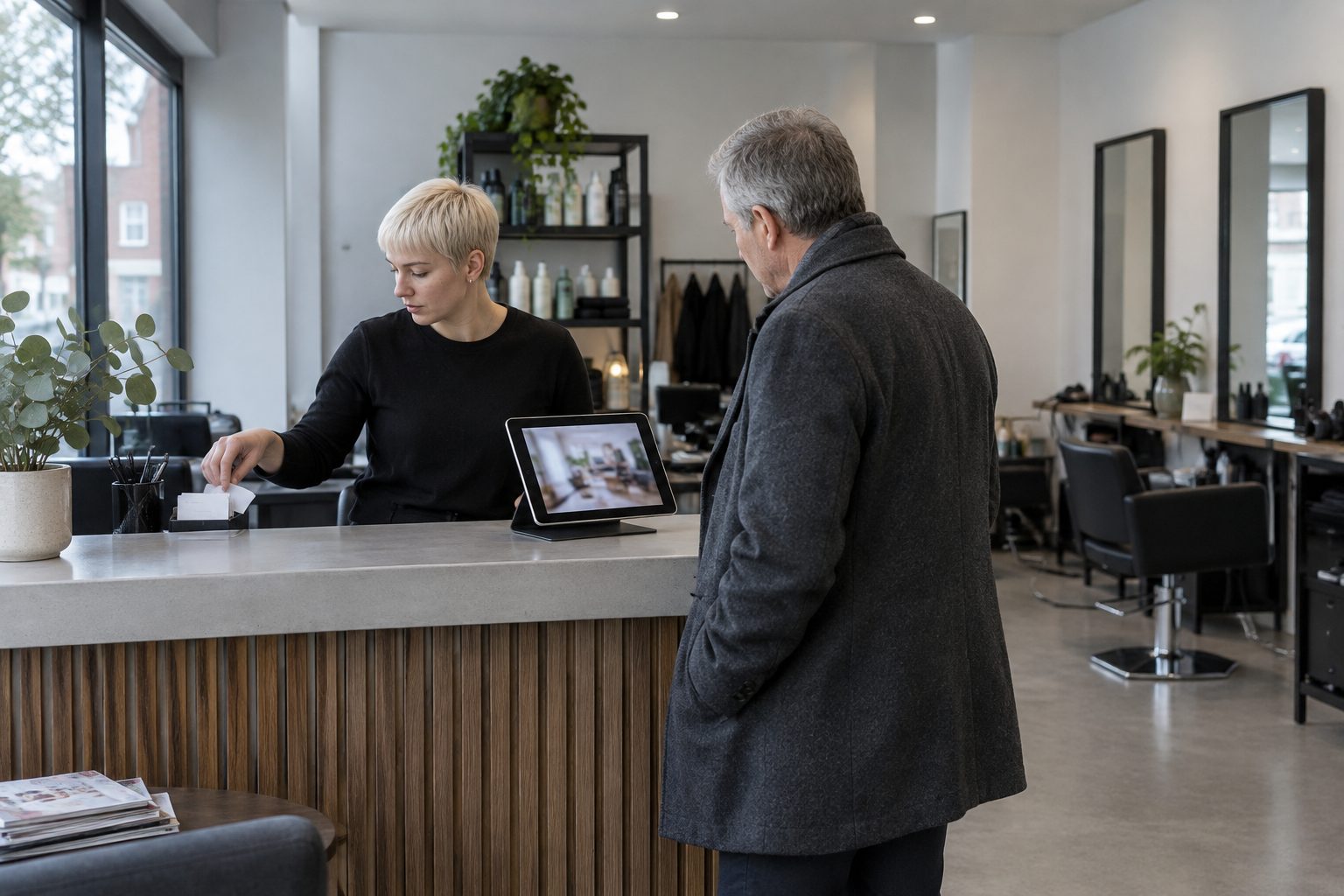
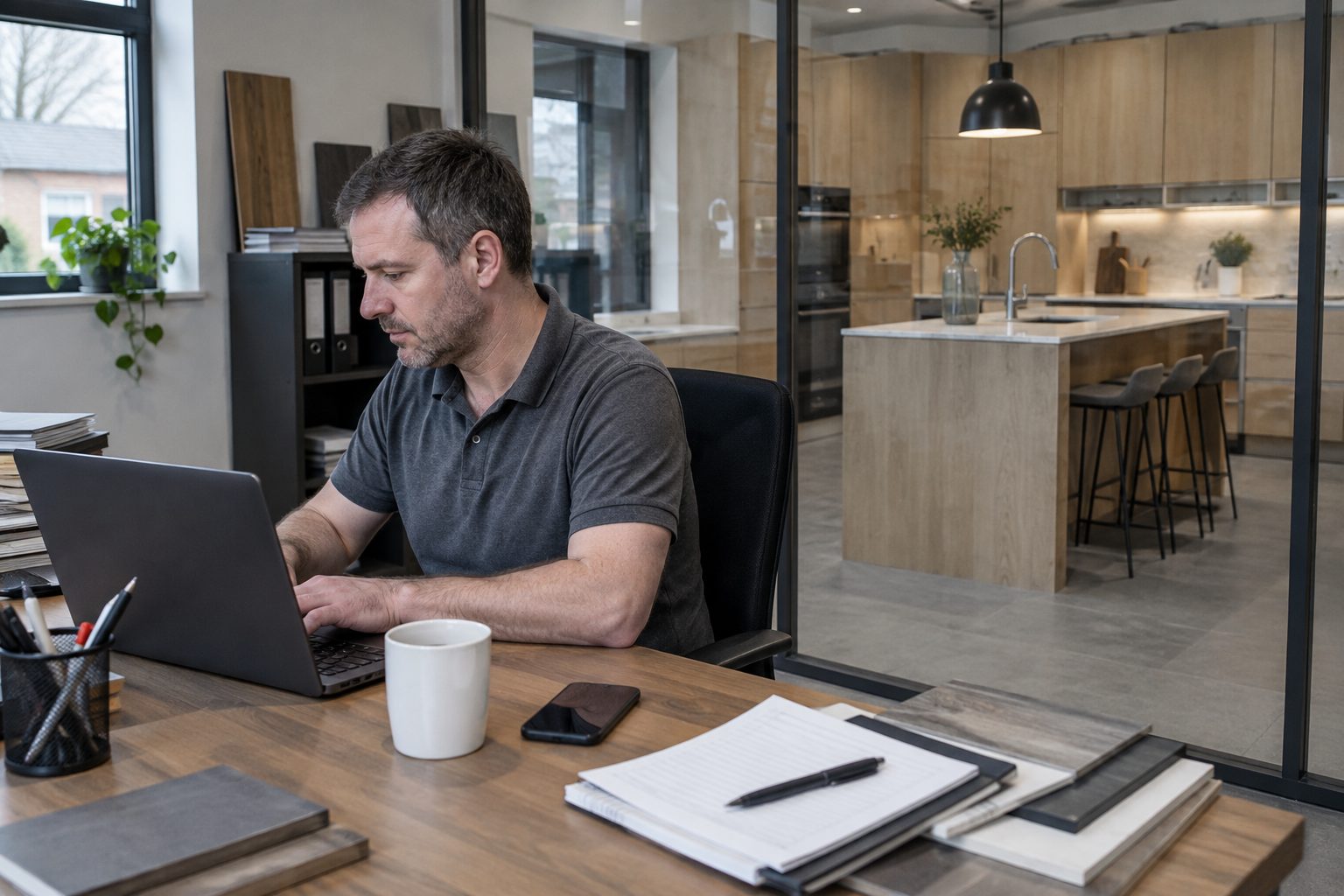
- The place. The shop front, the yard entrance, the treatment room, the view from the holiday let. Something that helps a customer recognise you when they arrive.
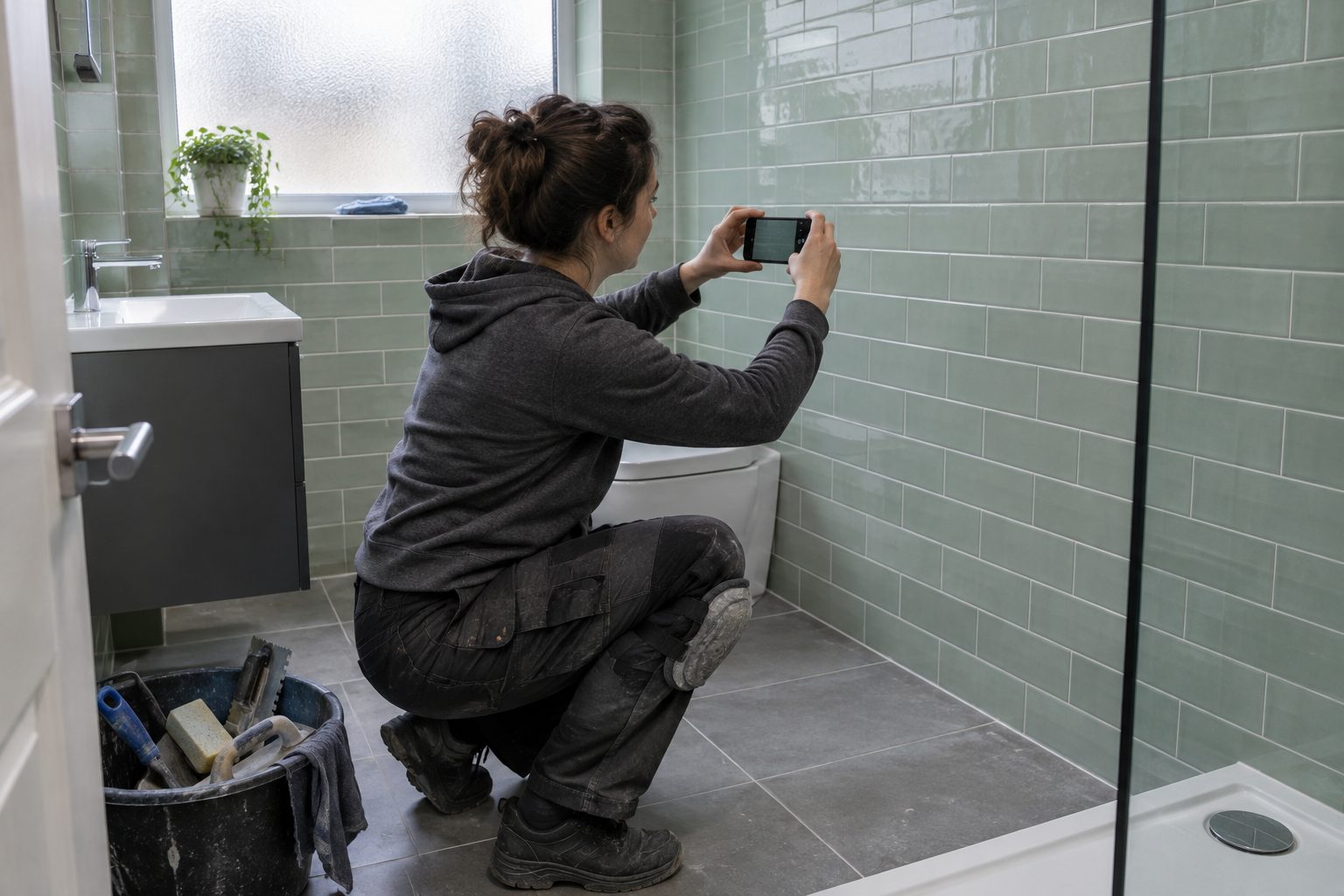
- The work. A finished kitchen, a rewired consumer unit, a fence line done properly. Slow, steady shots, not a frantic montage.
- The people. You or your team at work, with their agreement. A face makes it easier to pick up the phone.
What gets videos turned down
Google reviews each upload before it goes public. Its help page lists three statuses: Pending (still processing, or your profile isn’t verified yet), Not approved (flagged under its policies) and Live.
Things that make trouble more likely, going by Google’s own guidance:
- Stock footage, or clips that weren’t filmed at your business.
- Slideshows of text, or heavy titles and graphics laid over the picture. Google asks you to avoid distracting superimposed content and says promotional content should be relevant to the place.
- Phone numbers and offers plastered across the video. Google’s posts policy says posts with unverified contact details may be removed. The safer course is to keep them off the video and let the profile’s own call button do that job.
- Shaky or blurred footage.
If a polished promo film is the only video you have, a plainer 30-second cut with your name at the end, rather than a full-screen advert, is the safer upload.
How to upload
On a computer, as Google’s help page describes it:
- Open Google Search or Maps and search for your business’s name and town.
- Click Photos, then Add photos.
- Choose your video file. You can select several photos and videos at once.
Then wait. Google says it can take up to 24 to 48 hours before photos and videos show on your profile. Your newest media appears first.
When customers upload videos
Customers can add their own photos and videos to your profile. Most are harmless, and some are better than anything you’d take yourself.
If one is misleading, private or not about your business, you can’t delete it, but you can report it. Open the photo or video on your profile, choose Report a problem, and pick the reason, such as “Privacy concern” or “Not a photo or video of the place”. Google says the review can take several working days.
Don’t report a video just because it’s unflattering. The fix for that is better media of your own, uploaded regularly, so it’s what people see first.
Pair it with fresh photos and replies
A video on its own won’t carry a profile that’s otherwise stale. Keep the rest in step:
- Add a few new photos when you finish a notable job.
- Reply to reviews, good and bad, briefly and politely.
- Check your hours, phone number and service area are right.
Google’s performance figures show views of your profile, calls from it and clicks to your website. Note them before you add a video and look again a month or two later.
A three-step routine
- Upload. One short video, under 30 seconds, of real work or your premises.
- Check. Two days later, search for your business and make sure it’s live. If it’s pending or not approved, look at it against the points above and try a plainer version.
- Refresh. Once a season, add one new clip. Spring jobs look different from winter ones, and an up-to-date profile looks like a business that’s busy.
If you’d rather not make it yourself, VideoWorks films usually run 30 or 60 seconds; see pricing for what comes with every film, or watch some on the films page.